Device Details
Overview
| Name | Version: | MIDI Bag 1.0 |
| Author: | ricoL |
| Device Type: | MIDI Effect |
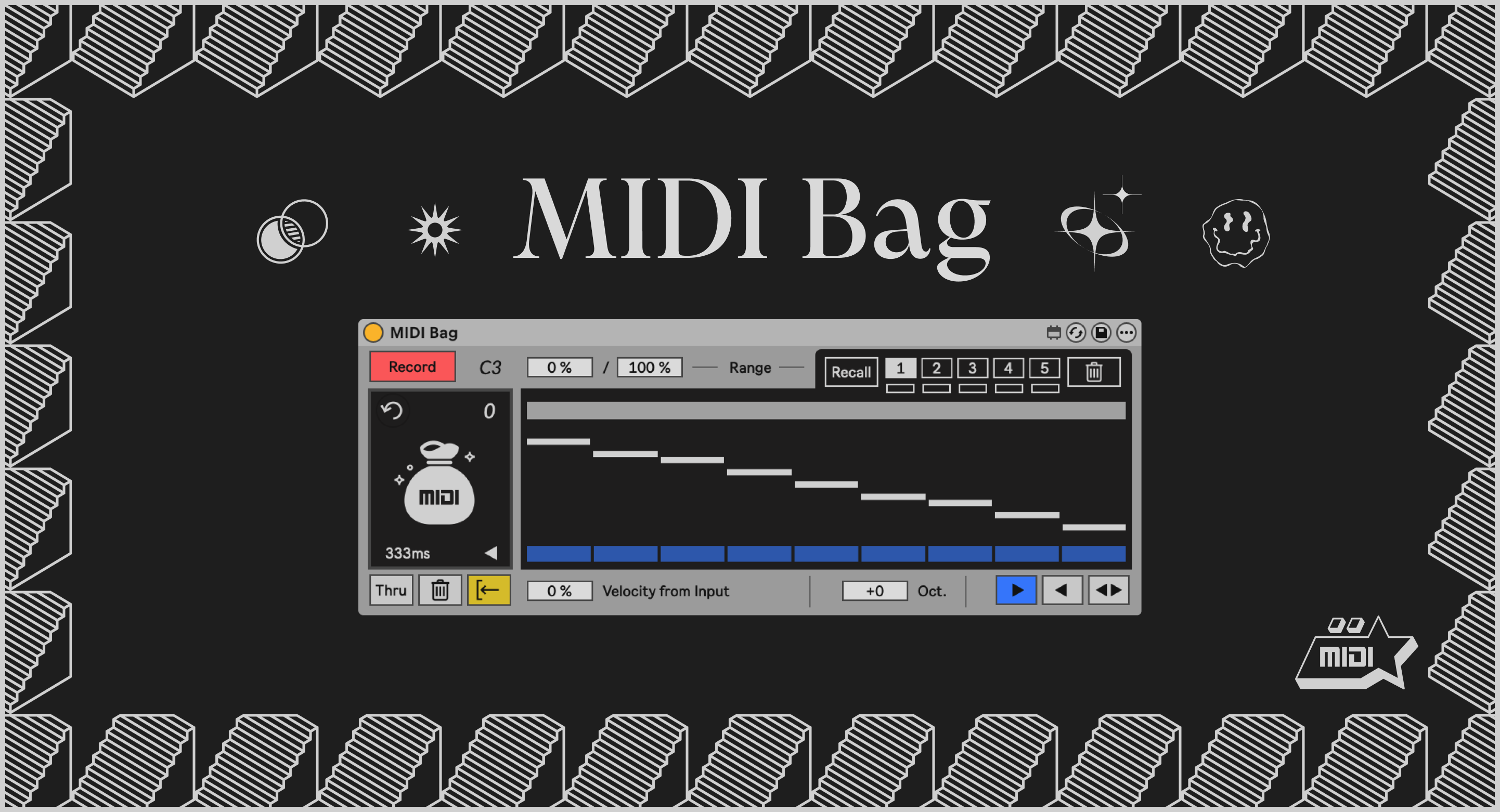
| Description: | MIDI Bag is a deceptively simple device that lets you store a sequence of MIDI notes then retrieve them on demand. It's a utility at heart, but a very playable one that tends to push ideas in new directions. Play some notes in Record mode and MIDI Bag captures the pitch and velocity of each one. Switch to Retrieve mode, and any incoming MIDI will trigger those stored notes instead, substituting the pitches (and optionally the velocities) from what you recorded while the timing comes entirely from the input. That input can be notes played live, a MIDI clip, an arpeggiator, another sequencer, literally anything that produces MIDI will work. The result is a surprisingly powerful workflow: pitch and rhythm become independent. The what and the when are just different signals. In a DAW these are usually locked together. MIDI Bag unlocks them. Controls Record / Retrieve — toggle between Record and Retrieve modes, Record stores notes in the bag, Retrieve plays the notes back. Reset — jump back to the start of the sequence (or the selected range). Delete — clear all stored notes. Duration — adjust note length for playback. Thru — by default MIDI Bag blocks notes at the input while in Retrieve mode, replacing them with stored notes. When Thru is enabled these notes are allowed to pass through, combining them with stored notes. Range — use the either the Range_a or Range_b controls or the Range Slider to select a subset of your recorded notes, notes outside the selected range will be ignored. The high and low endpoints of the range can be mapped and automated independently, so the window can shift, shrink, or grow over time. Range Presets — a range of notes can be stored by pressing Save then one of the 5 Range Storage buttons. Pressing Recall allows you to recall the saved range. Velocity Source — blend between the velocity of your recorded notes and the velocity of your live input. At 0% you get the original dynamics; at 100% the velocity at the input will be used instead; anywhere in between gives you a weighted mix. Playback Direction — forward, reverse, or ping-pong. Note Editor — pitches are displayed in a graphical editor, click the button underneath to mute a note, drag the note up or down to adjust it's pitch. MIDI Bag will output a MIDI note when any stored pitch is adjusted. Octave — adjust the pitch of all notes up or down by one or two octaves. Range Slider Keyboard Shortcuts Shift — adjust one side of the range while leaving the other as is Cmd (Mac) / Ctrl (Win) — shift the entire range up or down Option (Mac) / Alt (Win) — expand or shrink the selected range Double-click — reset to default This is a MIDI device for use in Ableton Live — Live Suite or a Max for Live license is required. |
Details
| Live Version Used: | 12.4 |
| Max Version Used: | 9.1.2 |
| Date Added: | May 21 2026 18:16:03 |
| Date Last Updated: | No Updates |
| Downloads: | 0 |
| Website: | https://ricola.gumroad.com/l/MIDI_Bag |
| ⓘ License: | AttributionNonCommercialShareAlike |
Average Rating
Log in to rate this device |
-n/a- |
Login to comment on this device.
Browse the full library